
User Journey Map: A Complete Guide for Product Designers
A user journey map is one of the most versatile tools in a product designer's kit. When built correctly, it aligns teams, exposes friction, and turns abstract user research into actionable design decisions.
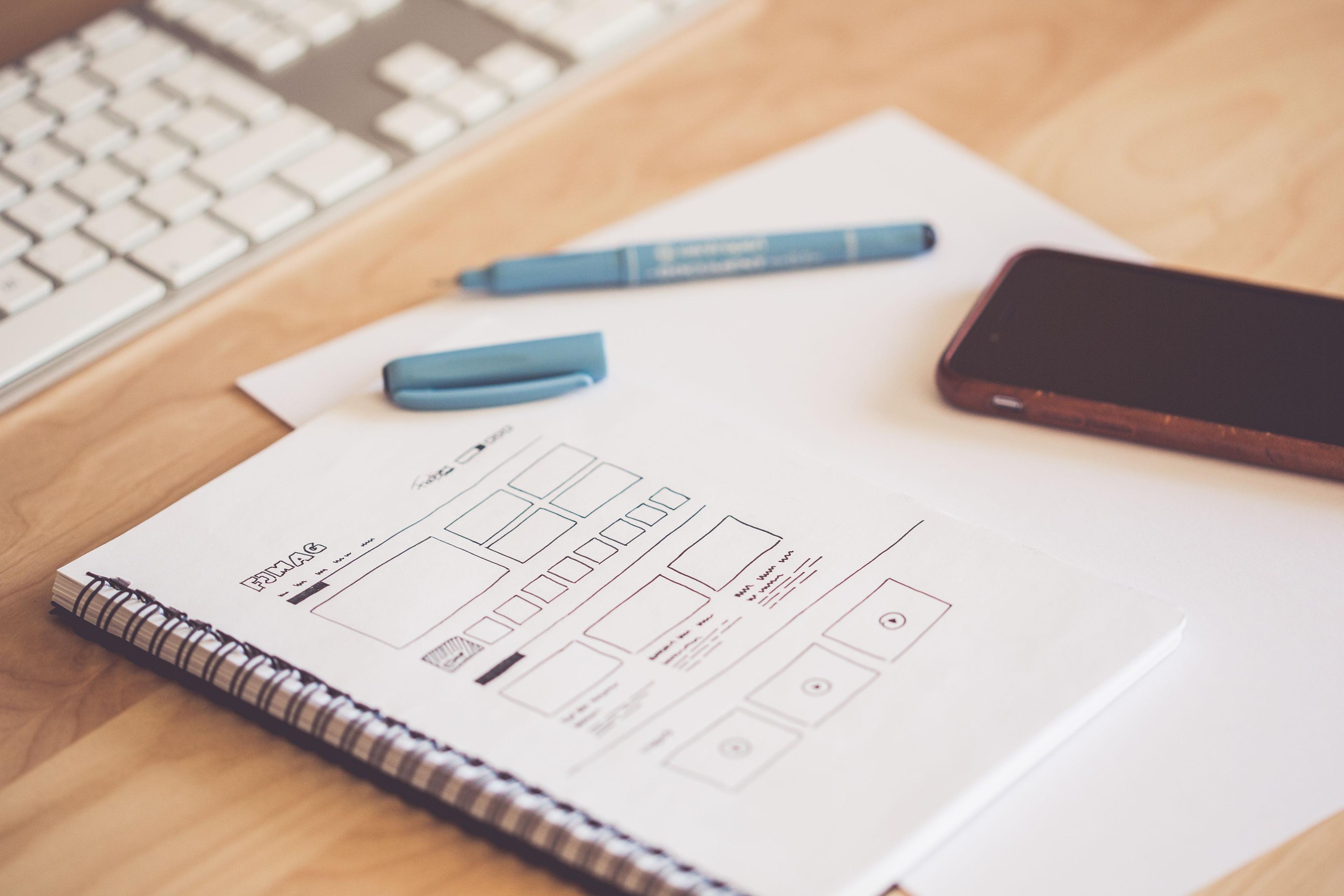
A user journey map is a visual representation of the experience a person has while trying to accomplish a goal with your product or service. It traces the sequence of steps the user takes, the emotions they feel at each stage, the questions they are asking, and the friction points they encounter. Done well, it is one of the most effective tools for creating shared understanding across a product team and for identifying exactly where a product is failing its users.
Done poorly — which is how most journey maps are created — it is a wall decoration that nobody references after the workshop that produced it. The difference between a living tool and a forgotten artifact comes down to whether the map is built from real user data and whether it is embedded in a design and decision-making process that keeps it relevant.
The Components of a Meaningful Journey Map
A user journey map has six core components, each serving a distinct purpose in making the overall picture actionable.
The first is the persona. Every journey map is built for a specific user, not for a generic "user." The persona should reflect a real segment of your actual or intended user base — defined by the goals, constraints, and mental models that shape how they interact with your product. A map built for "all users" is a map for nobody.
The second is the scenario and goal. What is the user trying to accomplish? What is the context in which they are trying to accomplish it? "A freelance designer trying to create and send their first invoice to a new client using a mobile invoicing app during a commute" is a scenario. "User creates an invoice" is not. Specificity in the scenario makes the stages of the map realistic and the friction points concrete.
The third component is the stages. These are the phases of the experience from the user's perspective — not from the product's perspective. The stages should reflect the user's mental model of what they are doing, not your product's architecture. "Finding the right tool," "getting started," "doing the main task," "getting confirmation," and "following up" are user stages. "Onboarding," "dashboard," and "settings" are product screens.
Thoughts, Feelings, and Pain Points
The fourth component is the channel layer — where is the user at each stage? Are they on their phone, desktop, in-person, in an email? Many experiences span multiple channels, and the transition between channels is frequently where the most significant friction occurs.
The fifth component is the experience layer: what is the user thinking, feeling, and doing at each stage? This is the heart of the map. Thoughts represent the questions in the user's head: "Is this the right option?" "Am I doing this correctly?" "Why is this taking so long?" Feelings represent the emotional tone — confident, confused, frustrated, relieved. Behaviors represent the actions they are taking, including workarounds and non-obvious paths.
The sixth component is the opportunity layer — the insights and design opportunities that emerge from examining the experience layer. This is where the map becomes actionable. Moments of high frustration, repeated questions, and unexpected workarounds all signal design opportunities. The opportunity layer translates the user's experience into a prioritized agenda for improvement.
Building From Real Data, Not Assumptions
The most common and most damaging mistake in user journey mapping is building the map from assumptions rather than research. A map built from what the team believes the user experiences is a map of the team's mental model, not the user's reality. These maps are comfortable to create and dangerously misleading to act on.
A research-based journey map draws from user interviews, usability tests, session recordings, support ticket themes, and behavioral analytics. Each data point is evidence about what users actually think, feel, and do — not what the team imagines they do. The process of gathering this data is not optional; it is the thing that makes the map useful.
At minimum, conduct five to eight user interviews with people who match the target persona, focused on their experience attempting the scenario the map covers. Ask them to walk you through their most recent experience with the task from beginning to end. Ask about the moments that felt unclear, frustrating, or surprising. Ask what they wish had been different. Listen for the emotions as much as the events.
Conducting a Journey Map Workshop
Once the research is done, a journey map workshop brings the product team together to synthesize the data into a shared artifact. The workshop should be structured around evidence, not brainstorming — the team is organizing and interpreting research, not generating opinions about what users might experience.
Start by presenting the research findings to the full group. Play clips from user interviews where possible; hearing users describe frustration in their own voice creates more alignment than reading a summary. Then work through the journey stages collaboratively, populating each component from the research data. When disagreements arise about what users experience at a given stage, return to the data to resolve them.
The output of the workshop is a first draft of the map. Validate it with a second round of user interviews before treating it as authoritative. Show users the map and ask whether it accurately represents their experience. Their corrections and additions are the most valuable input you can receive.
Making the Map a Living Document
A journey map that is finalized, printed, and posted on a wall has already started to die. User experiences change as products evolve, as competitors change the landscape, and as the user base itself shifts. A map that was accurate twelve months ago may be significantly wrong today.
Keep the map alive by tying it to the research cycle. Any time user research is conducted, check whether the findings update the journey map. Any time a significant product change ships, revisit the stages it affects and update the map to reflect the new experience. Designate an owner — one person responsible for keeping the map current — and make it a reference artifact in design reviews, sprint planning, and product prioritization.
Using the Map in Design Decisions
The full value of a journey map is only realized when it is actively used in the product design process — not as a background reference, but as a primary tool for evaluating design decisions.
When a design decision is being debated, ground the debate in the map. Which stage does this decision affect? What does the map tell us the user is thinking and feeling at that stage? Does this decision address a documented pain point, or is it solving a problem the map does not show users having?
This discipline transforms the map from a research artifact into a design governance tool. It shifts design debates from "I think users prefer X" to "the map shows users are confused at this stage — here is the evidence, here is the design option that addresses it." That shift alone improves the quality and speed of design decisions more than almost any other process change available to a product team.